Fast Login Options
Change Theme with One Click
Global Service
Global Service
Fully Automatic
You Are in Control
Fast Integration
Verification
Verification
Global Sales
Protected from Spam
Easy Installation
2 Different Providers
Real + Simulation
One Click
One Click
Smooth Stock
Balance Control
Payment System
Easy Changes
Developer Friendly
Safe Demo
Smart Workflow
Visual Banners
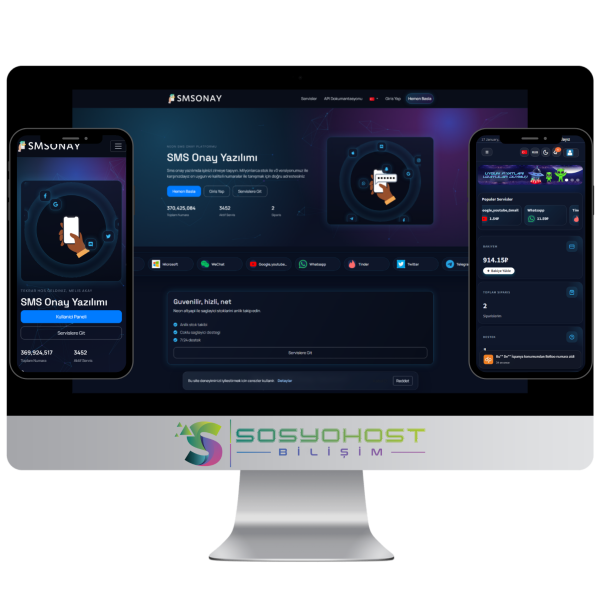
SMS V3 offers end-to-end SMS verification with a multi-provider infrastructure, automatic price/stock synchronization, an advanced notification system, and a powerful admin panel. You can manage exchange rates, themes, languages, and payment settings from a single screen, and integrate quickly with external systems via the API documentation. Thanks to the installation wizard, it goes live in minutes; with cron infrastructure, the system stays continuously updated and operations run without interruption.
Important Notes
* For software products, since the source code is delivered, refunds cannot be accepted under the conditions in the Refund Policy.
* Easy installation via the wizard is provided free of charge. However, if you want to purchase installation service, our terms are as follows.
Option 1 - FTP file upload, SQL connections, site delivered in working condition. (150 + VAT)
Option 2 - FTP, SQL, email configuration; if you have API codes, connection setup; if logo and site title are available, your FAQ Q&A will be added. (750 + VAT)
The product is licensed; your code will be delivered automatically upon order delivery. The domain is not licensed, and you can bind it to any single domain you wish. All you need to do is release your license code from your customer panel and install it on your new domain.
Before installation, make sure PHP 8.3 and the required extensions are enabled.
app.baseURL = 'https://yourdomain.com/'./install and verify the license.Security: After installation, delete shbinstall.sql.
Version 1.3
 Turkey (Türkçe)
 Worldwide (English)